
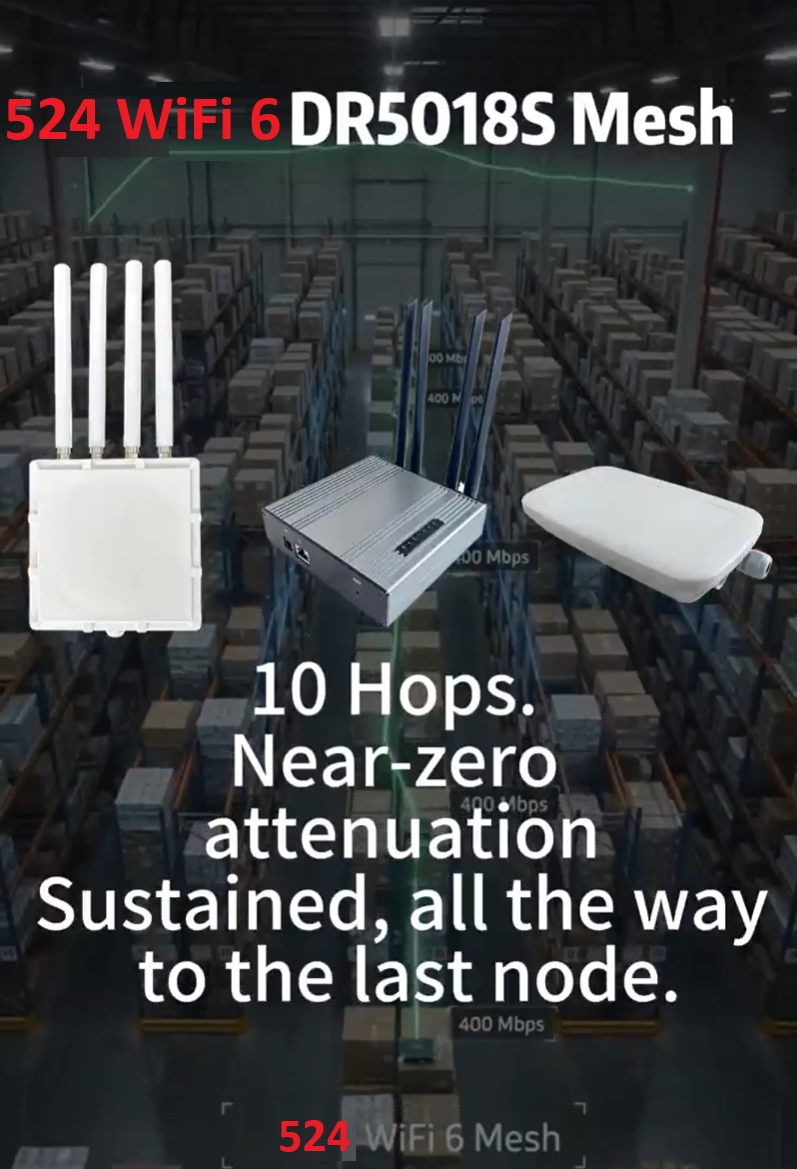

Description
Indoor Wi-Fi 6E Mesh Access Point, Tri-Band 2.5GbE PoE
Build the fixed indoor wireless network that connects your site and its moving equipment. This tri-band Wi-Fi 6E mesh access point combines independent 2.4, 5 and 6 GHz radios with a 2.5GbE interface and Gigabit PoE. Install nodes across the required indoor area, plan client coverage and inter-node links, then use a roaming client router on each moving vehicle to connect its onboard Ethernet equipment.
Start with the right radio architecture, plan power and Ethernet, and commission the supplied firmware for the actual network. Our support helps you match the configuration to the application and review the working route or mesh topology.
Build a flexible indoor mesh network
Use this access point as a fixed node in a professionally planned wireless installation. The three-radio layout lets you assign wireless resources to client service and inter-node communication according to the supplied firmware and the site plan. The 2.5GbE interface provides a fast wired connection for a gateway, switch or local network, while the Gigabit PoE interface supports practical power and network integration.
A complete indoor assembly for professional installations
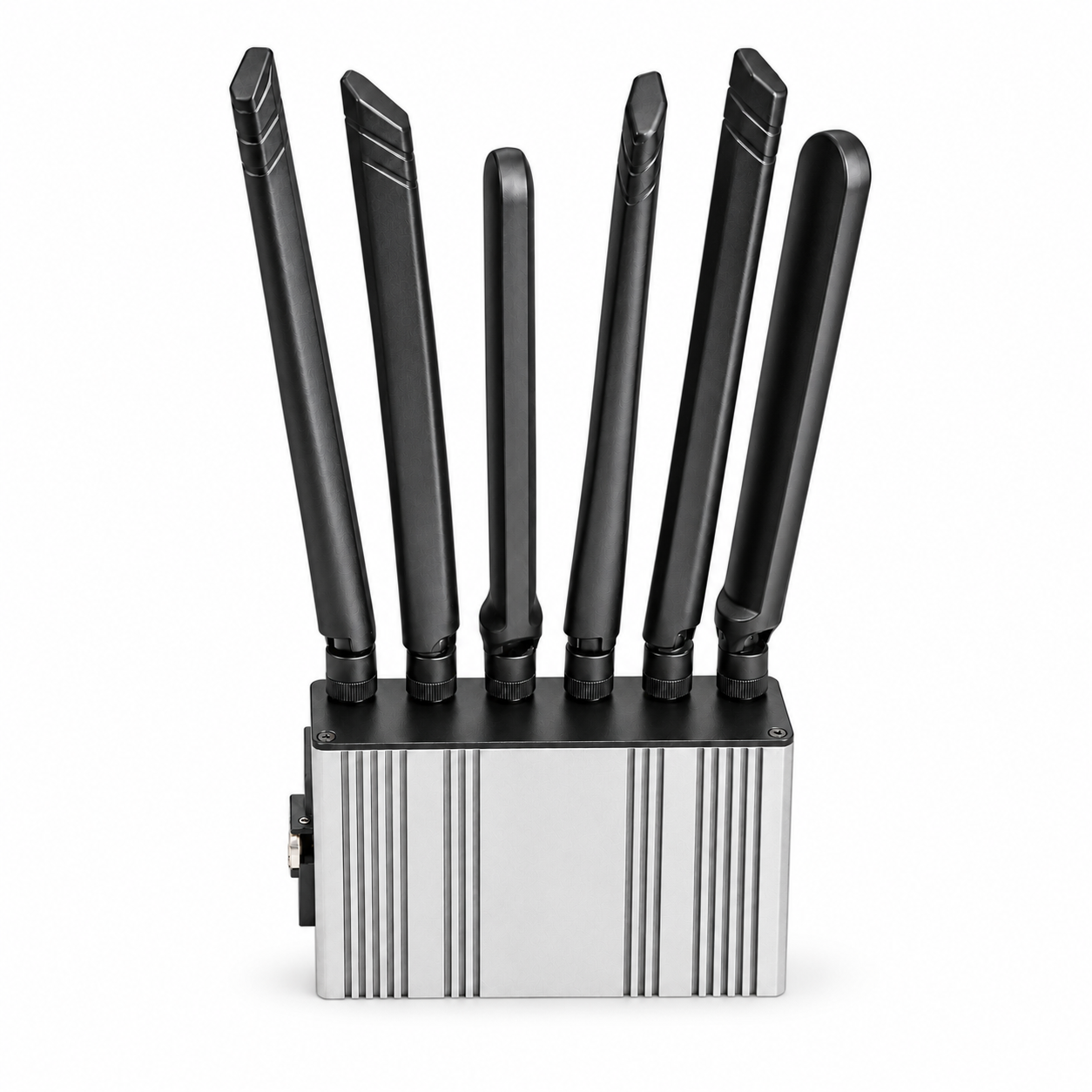
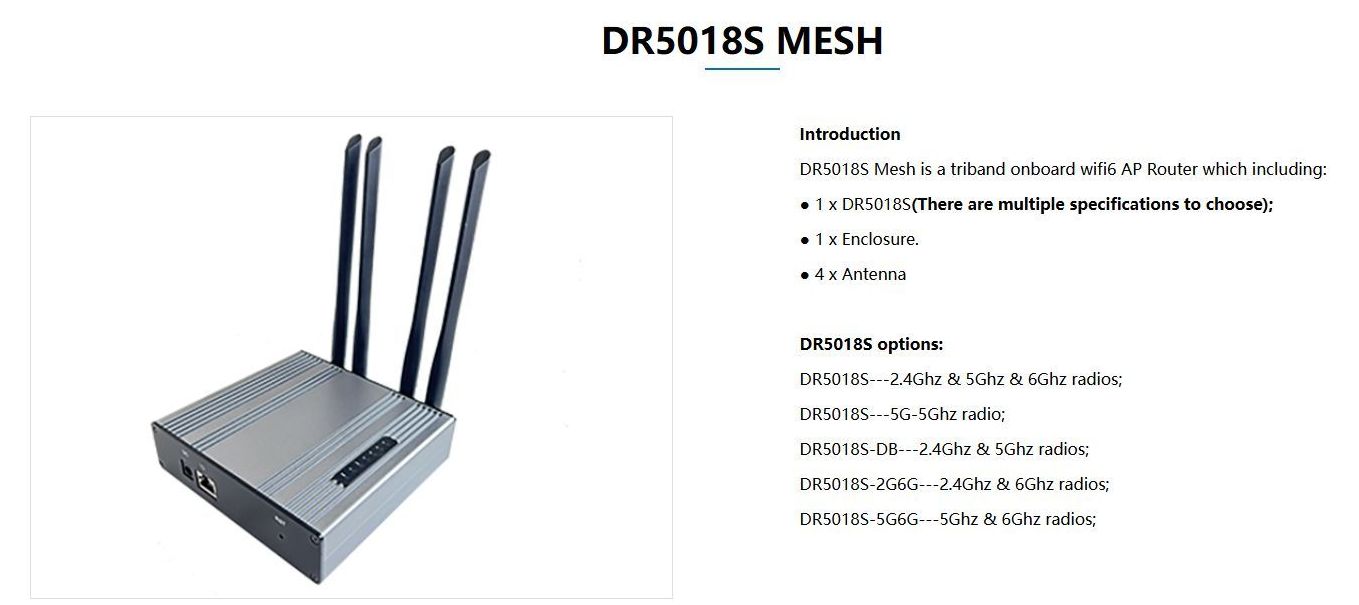
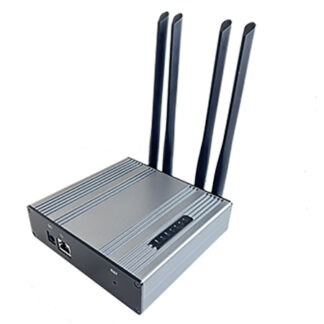
The indoor enclosure brings the router platform and antenna assembly together for offices, warehouses, production areas and integration projects. Plan clearance around the antenna positions and the heatsink enclosure, place the unit where the intended links have useful RF visibility and provide a properly rated power source.
One wireless system: fixed mesh nodes and moving clients
The mesh access points stay in place and form the site infrastructure. A roaming client router travels with the vehicle or machine and connects its onboard Ethernet devices to that infrastructure. As the vehicle moves between coverage cells, the roaming configuration manages its change of connection. Mesh interconnection and client roaming are complementary network roles.
Choose the fixed nodes for the installation environment, then choose the moving client by its radio layout and the required route. Plan compatible firmware, authentication, channels and RF overlap across the complete system. An AGV or AMR is one example: the same networking role applies to other moving Ethernet-equipped platforms.
Fixed indoor mesh AP
Use this node to build the indoor coverage and interconnection infrastructure.
Fixed outdoor mesh AP
Use this node for the outdoor enclosure and antenna configuration of the site network.
Moving dual-band client
Install on Ethernet-equipped moving machinery; 2.4 + 5 GHz radios and roaming firmware.
Moving tri-radio client
Install on mobile equipment where a planned two-radio 5 GHz roaming architecture is required.
Technical specification
| Model | DR5018S-Mesh |
|---|---|
| Standard | IEEE 802.11ax / Wi-Fi 6E |
| Operating bands | 2.4 + 5 + 6 GHz |
| Radio architecture | Three concurrent 2×2 radios |
| Processor | Qualcomm IPQ5018, dual-core ARM Cortex-A53, 1.0 GHz |
| System memory | 512 MB DDR3L |
| Ethernet | 1 × 2.5GbE + 1 × Gigabit Ethernet with PoE |
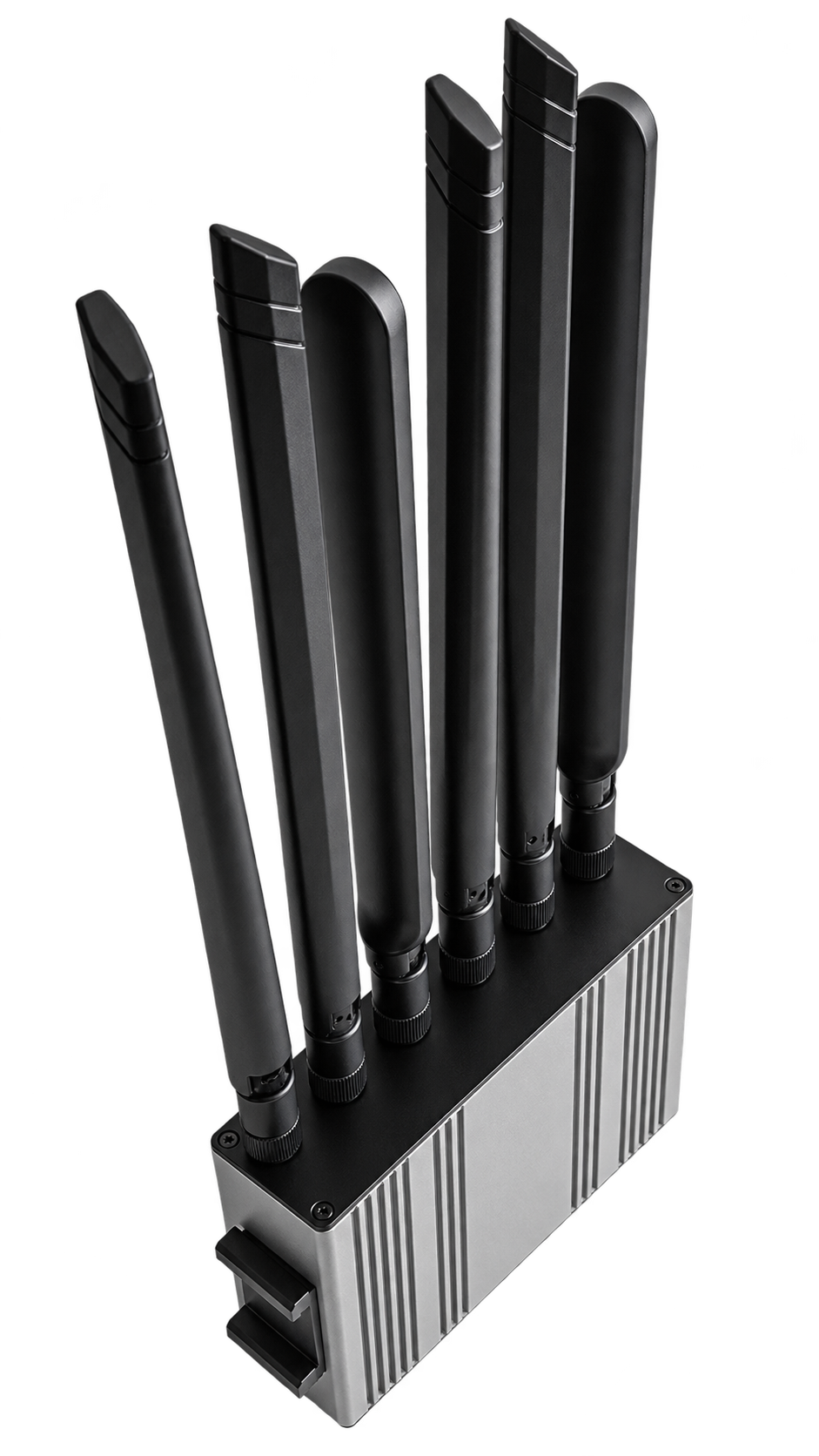
| Antenna assembly | Six antenna paths serving three 2×2 radios. Indoor enclosure with the supplied antenna assembly; external/internal antenna placement follows the actual delivered configuration. |
| Software role | Indoor mesh AP assembly |
| Bundle | Router platform, enclosure and model-specific antenna assembly. Power supply/injector and mounting accessories are included only when expressly listed in the order. |
| Packed shipping weight | 0.901 kg (901 g) |
Theoretical PHY rates by band
| 2.4 GHz | Up to 573 Mb/s theoretical PHY; 20/40 MHz channels |
|---|---|
| 5 GHz | Up to 2,402 Mb/s theoretical PHY; up to 160 MHz channels |
| 6 GHz | Up to 2,402 Mb/s theoretical PHY; up to 160 MHz channels |
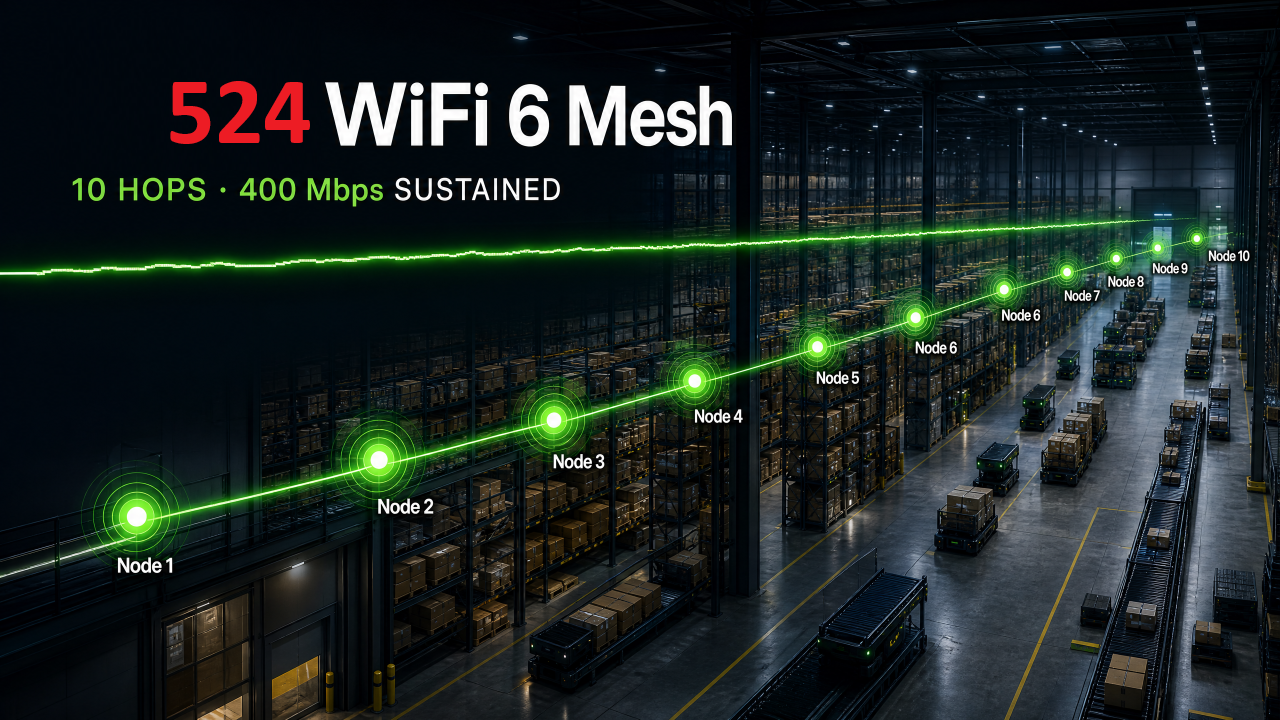
PHY rates describe the radio link signaling capability, rather than measured application throughput. They depend on channel width, spatial streams and client support. A mesh hop also shares airtime with other traffic on its assigned radio; evaluate end-to-end performance across the topology you will actually use.
How the network fits together
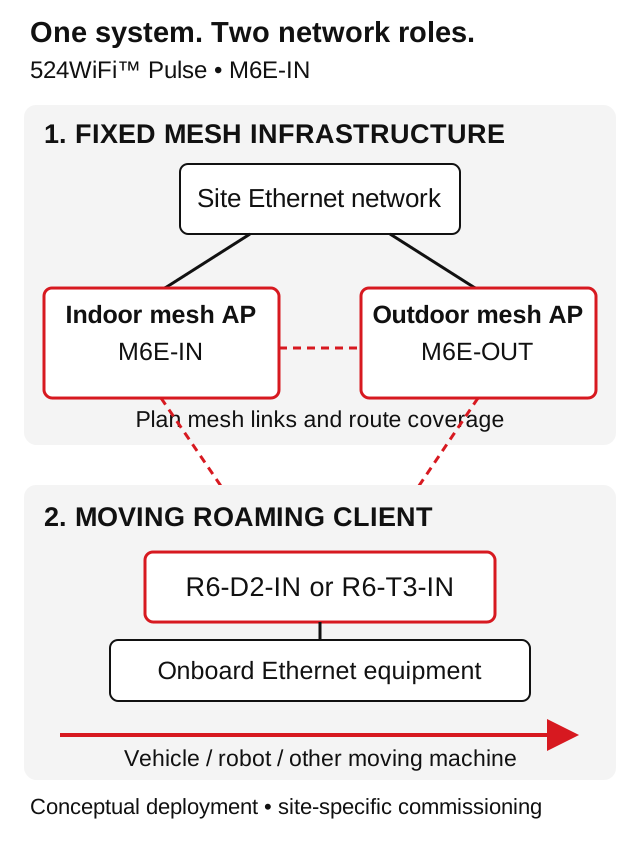
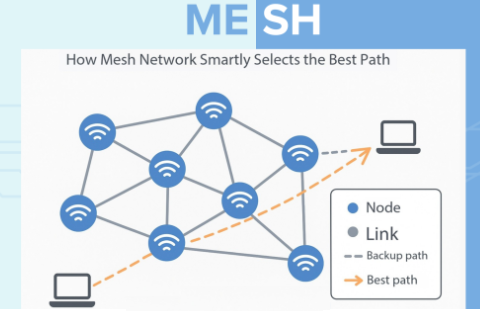
The diagram explains equipment roles and connection paths. It is a planning illustration, not a tested deployment or a scale drawing. Use the wired gateway to connect the wireless mesh to the wider network, then choose radio roles and channels for each node.
Firmware and OpenWrt integration
The IPQ5018 platform has an OpenWrt-based mesh development project. The delivered mesh software and the public development source serve different purposes: use the firmware specified for the supplied hardware and feature set. Record the hardware revision, flash layout, antenna mapping, Ethernet assignment and current firmware version before planning an update.
Ask our technical support for the appropriate configuration instructions or a revision-matched firmware package. Keep an export of the working configuration and a recovery plan before flashing. Feature availability, including management interfaces and any separately licensed firmware tools, must be checked against the ordered software configuration. Product downloads and configuration guidance are supplied through 524WiFi.net™.
Installation and commissioning
- Define the role. Document whether the device is a fixed mesh node or an onboard roaming unit, the intended traffic, the country of operation and the required radio bands.
- Plan power and Ethernet. Check the supplied assembly label and power documentation. Use the specified compatible PoE injector/switch or DC supply; active and passive PoE require the correct equipment and wiring.
- Install the RF system. Connect each band to its intended antenna path, allow mechanical clearance, secure the feeds and check polarization and line of sight for directional links.
- Configure the network. Set management addresses, network segmentation, credentials, radio channels and the mesh or roaming profile. Keep a record of the final configuration for each node.
- Validate under real load. Test traffic in both directions, record link rates and packet loss and measure performance where the application operates. For mobile systems, repeat the checks during movement along the complete route.
Antenna placement and regional operation
Six antenna paths serving three 2×2 radios. Indoor enclosure with the supplied antenna assembly; external/internal antenna placement follows the actual delivered configuration.
Use antennas and feeds rated for the operating band and the installation environment. Cable loss, obstructions, reflections and device orientation influence the useful link budget. For a directional link, align both ends and verify the result using link statistics and traffic tests rather than assuming that a clear visual path is sufficient.
Configure 6 GHz only in operating modes permitted for the deployment country and installation. Match the regional radio profile to the indoor installation and the supplied firmware. Country requirements and RF power limits apply to the assembled system, including antenna gain.
Useful diagnostics
| First connection | Check power, Ethernet link, management address and the selected radio profile. |
|---|---|
| Unstable wireless link | Review antenna placement, channel occupancy, received signal, noise and negotiated rate at both ends. |
| Unexpected application speed | Measure one wired link and one radio hop first; then test the complete topology with the intended traffic. |
| A mesh node is difficult to reach | Check the inter-node radio role, channel assignment, link visibility and management-network path. |
| Preparing a support request | Send the model code, hardware/firmware revisions, topology, country, power source, antenna layout and relevant sanitized logs. |
FAQ
What is this model designed for?
A fixed indoor mesh access-point installation using a tri-band Wi-Fi 6E platform and a 2.5GbE connection.
What stays fixed, and what moves?
Mesh connects network nodes to build coverage or backhaul paths. Roaming concerns a moving client changing its connection between access points. Plan the fixed infrastructure and the mobile client as complementary parts of the network.
Which radio bands does this model use?
Check the bands in the specification. This model includes a 6 GHz radio alongside 2.4 and 5 GHz, making it a Wi-Fi 6E configuration.
Does the product include a PoE injector?
The standard description covers the router platform, enclosure and specified antenna assembly. Select a compatible power option and include an injector or power supply in the order when it is required for your installation.
Can I use a public OpenWrt image?
Match the image, hardware revision, flash layout and feature set before an update. Contact our support with the model and current firmware version to review the correct path for your assembly.
What should I measure before deployment?
Test application traffic, latency, packet loss and link stability under the expected load and RF conditions. For a mesh, include the real hop count, antenna alignment and simultaneous client load.
Reviews
There are no reviews yet.