


Description
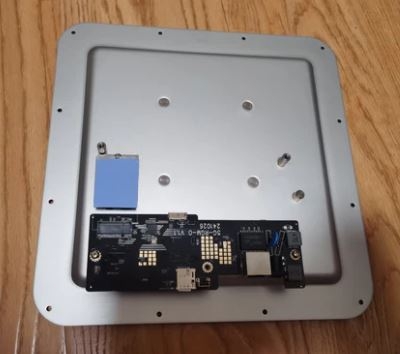
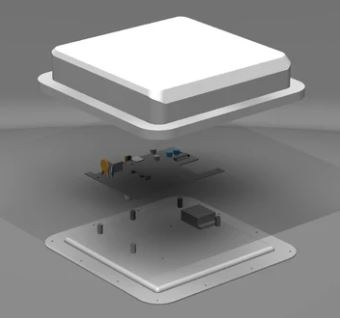
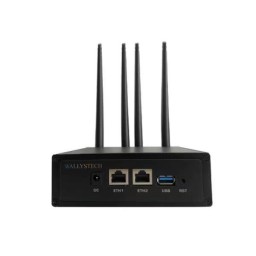
Wodaplug Dual-Q 5G-RGM-O for Quectel RGMII to RJ45 Outdoor unit include 4×4 directional antenna V2 For DIY
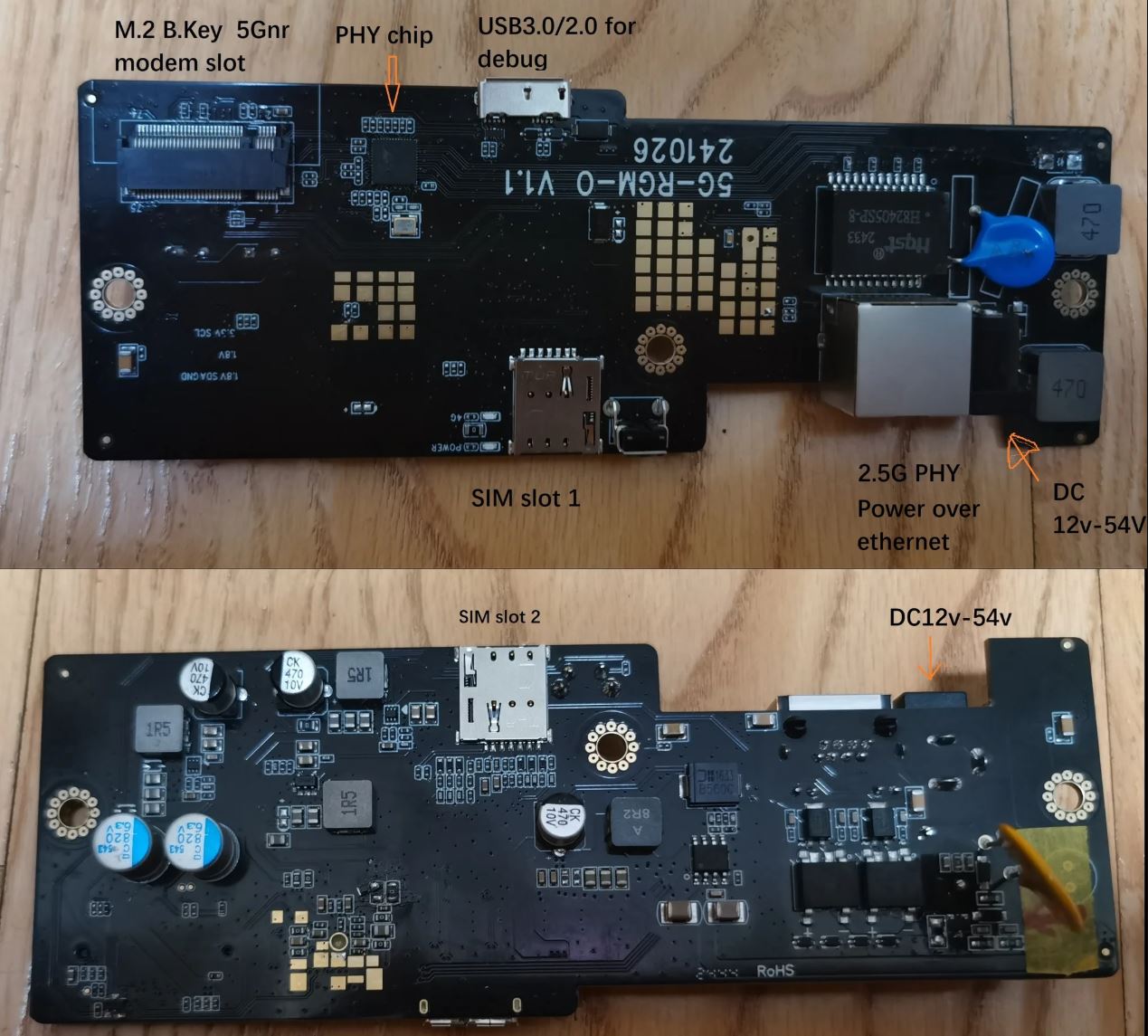
This unit design for Qualcomm RGMII to PHY , test with quectel RM500Q Rm502Q RM510Q Rm520N RM551e RM521F
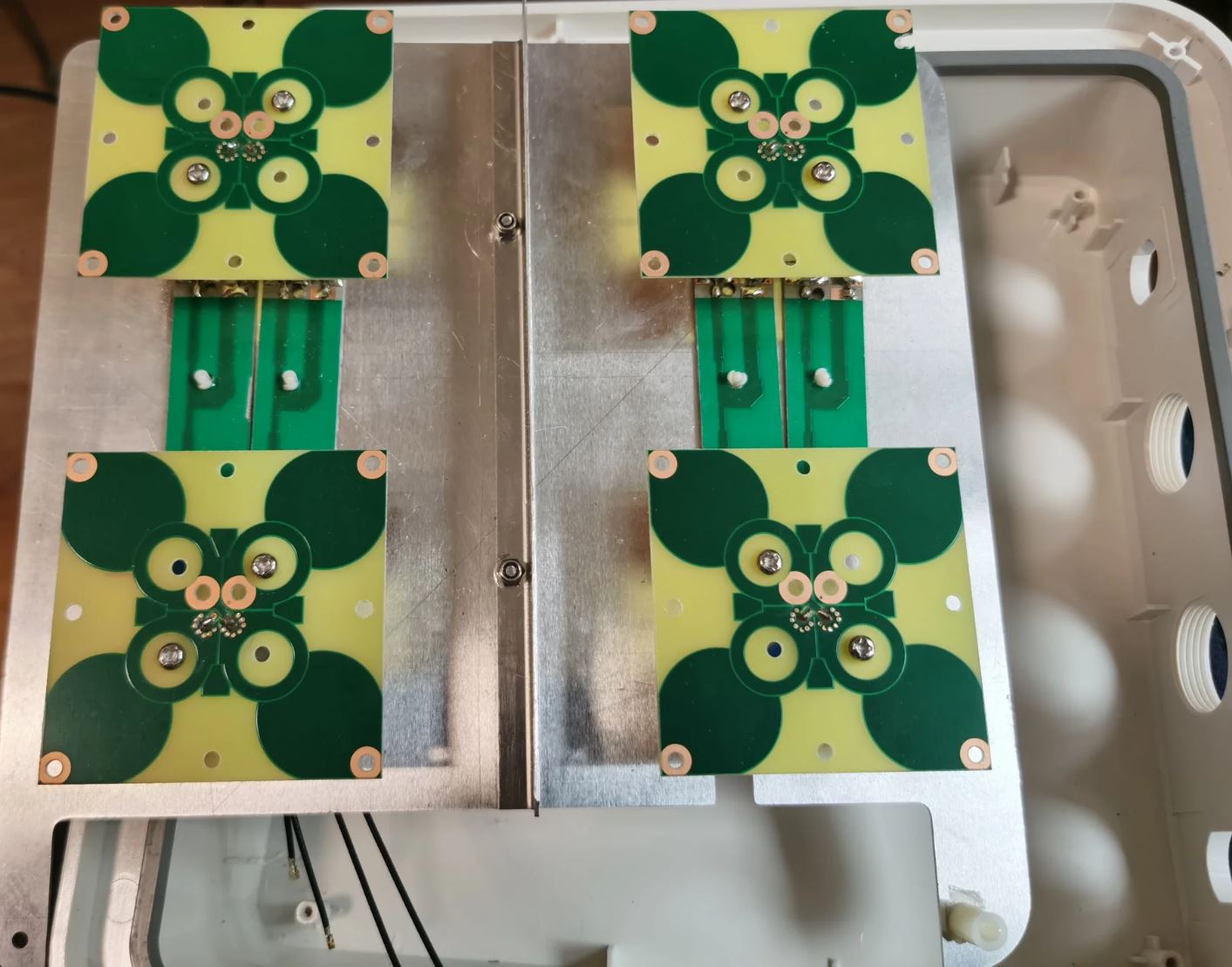
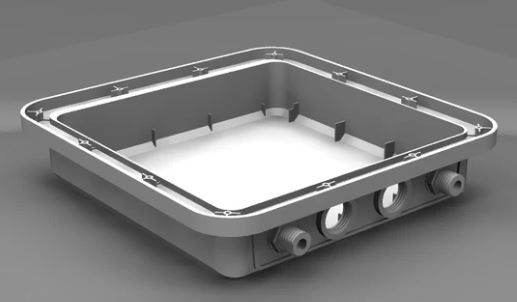
We find a good outdoor enclousre (HW B222s-42a), make a new 4×4 MIMO antenna, support from 600MHz-960MH &1710MHz-3800Mhz, frequency support 5Gnr N71 N1 N25 N41 N78 and LTE band1,2,3,4,5,8,25,26,38,40,41,66,71 , antenna VSWR test in below in picture section.
We recommend you use webui and RGMII to PHY project https://github.com/iamromulan/quectel-rgmii-configuration-notes
bracket and bracket install:https://youtu.be/V3oawqFvF3U
Packing list:
router board*1;
water proof body case*1 (used have some scrtaches on the surface)
4×4 internal MIMO antenna
L bracket & accessories
2.5G 54V Power Over Ethernet adapter
You can configure it based on users guide. You can check for example https://github.com/iamromulan/cellular-modem-wiki/blob/main/quectel/flash_firmware_windows.md . Another sources – https://github.com/iamromulan/cellular-modem-wiki
QuecDeploy is good tool to download all needed Quectel sources.
Flashing firmware is easy under Widows, then you can also use QCom tool to set AT commands.
And here is the guideline example for the first use of the module on the adapter:
RM502QAE , RM500Q and RM520N-GL Configure 5G-RJ45 mini
1. AT+QCFG=”data_interface”,1,0 //open pcie net (click on send command and wait for OK response)
2, AT+QCFG=”pcie/mode”,1 //enable RC mode (click on send command and wait for OK response)
3, AT+QETH=”eth_driver”, “r8125” //select rtl8125 driver (click on send command and wait for OK response)
4, AT+QMAPWAC=1 //enable mobile AP auto dial (click on send command and wait for OK response)
5, save and restart to take effect : AT+CFUN=1,1 (click on send command)
Reviews
There are no reviews yet.