
Posted on

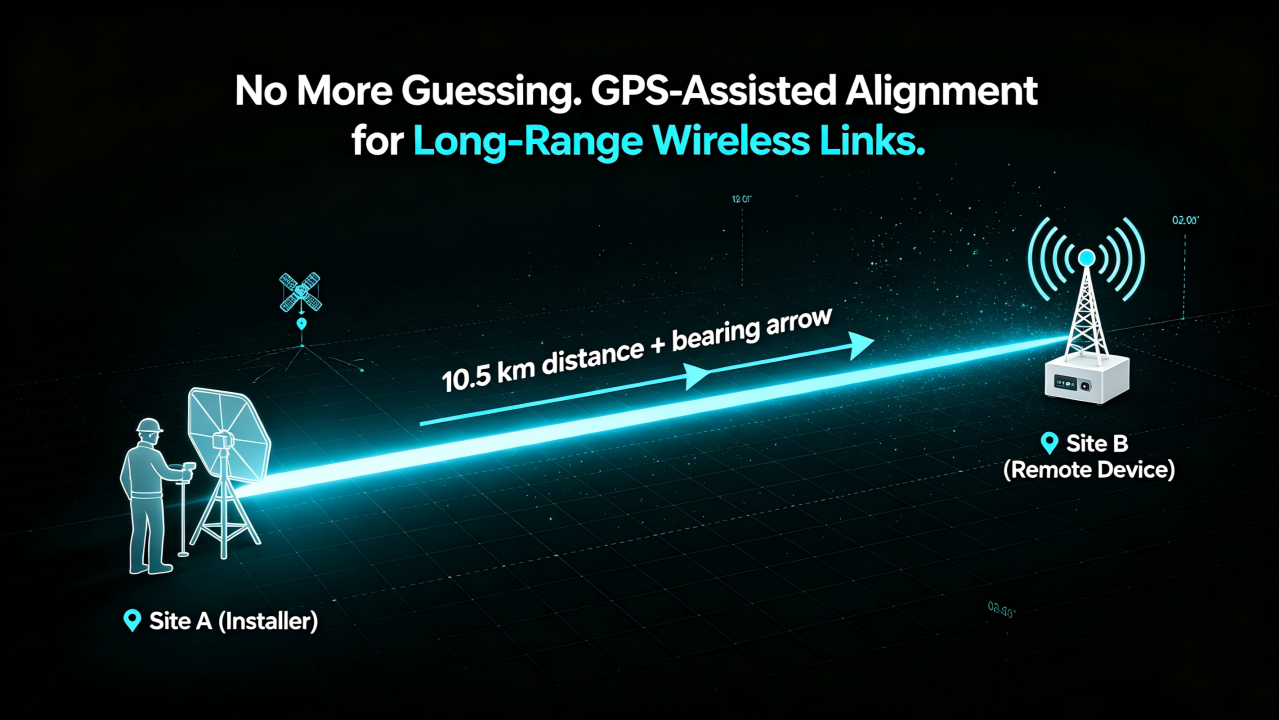
GPS Smart Deployment for Long-Range WiFi PtP: What If Your AP Could Tell You Where to Point?

Deploying long-range wireless links has always been a field engineering challenge.

For a Point-to-Point (PtP) wireless connection, performance depends heavily on antenna alignment.

A few degrees of misalignment can mean:

  • Lower throughput
  • Reduced link stability
  • Poor signal quality
  • More time spent on-site troubleshooting

Traditionally, engineers need to rely on:

  • GPS devices
  • Maps
  • Compass tools
  • Signal strength monitoring
  • Multiple technicians communicating between two locations

But what if the wireless device itself could help you find the right direction?
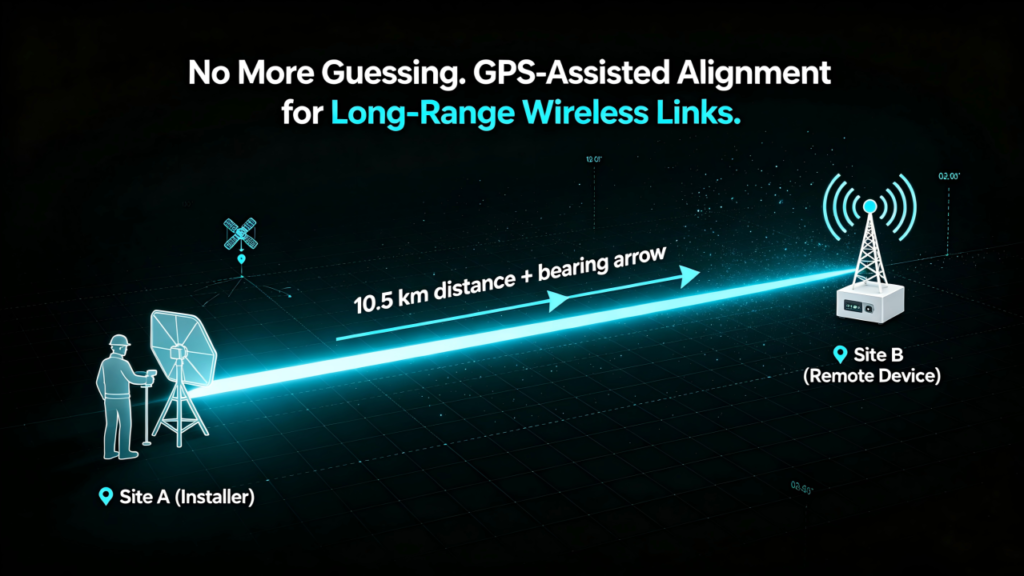

From GPS Location to Smart Alignment

Imagine this:

You install an AP at the local site.

After powering it on:

  1. The device automatically obtains its GPS coordinates.
  2. The remote site device shares its location information.
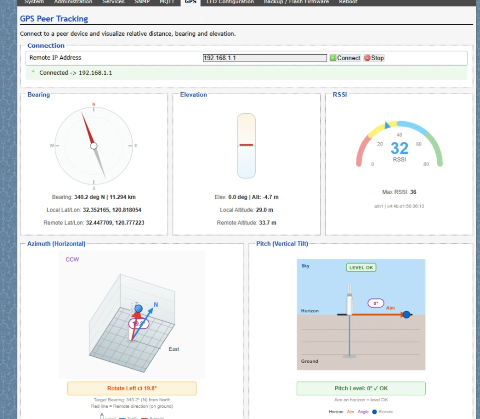
  3. The web interface calculates the optimal alignment direction.
  4. The system provides recommended:
  • Horizontal rotation angle (Azimuth)
  • Vertical tilt angle (Elevation)

Instead of asking:

“Which direction should I point this antenna?”

The system tells you:

“Rotate 127.5° horizontally and tilt 8.3° upward.”


Simplifying Long-Distance Wireless Deployment

For outdoor wireless networks, especially:

  • WISP networks
  • Rural broadband
  • Industrial campuses
  • Mining sites
  • Smart agriculture
  • Remote monitoring systems

deployment efficiency is critical.

GPS-assisted alignment can help engineers:

✅ Reduce installation time

✅ Minimize alignment errors

✅ Improve first-time connection success rate

✅ Simplify remote deployment and maintenance


How It Works

A GPS-enabled wireless platform combines:

1. Location Awareness

Each device knows its own:

  • Latitude
  • Longitude
  • Position information

2. Remote Device Coordination

The AP exchanges location data with the remote endpoint.

3. Direction Calculation

Based on two GPS points, the system calculates:

  • Distance between sites
  • Direction angle
  • Antenna pointing recommendation

4. Web-Based Guidance

Engineers can view the recommended installation angle directly through the device management interface.
Article content

No additional measurement tools required.


Designed for Next-Generation Outdoor Connectivity

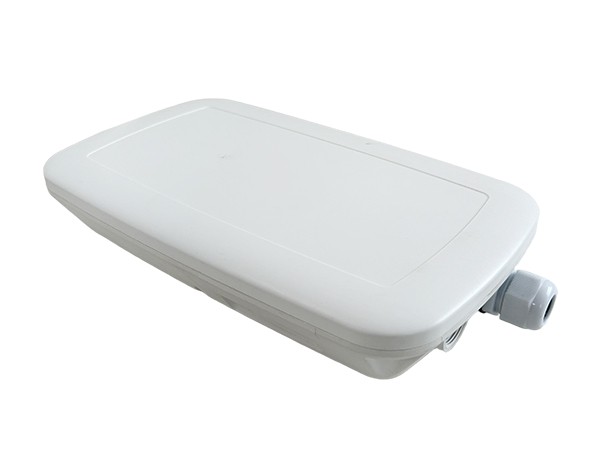
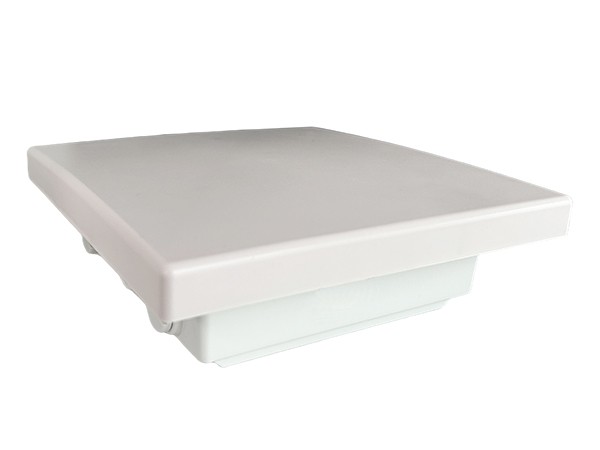
524WiFi and Wallys have integrated GPS capability into selected industrial wireless platforms, including:

524WiFI WiFi 6 Long Range Kit

DRWAVE-1000 Built around Qualcomm IPQ5018 platform, designed for industrial networking applications requiring reliable wireless connectivity.
Article content

524WiFi WiFi 7 Long Range Kit

Powered by Qualcomm IPQ9574, supporting next-generation high-performance wireless applications.
Article content

With GPS integration, these platforms enable smarter deployment possibilities for long-range wireless networks.

Posted on

Wi-Fi 6E vs Wi-Fi 7: Which is the Best Fit for Your Infrastructure?

Wi-Fi 6E vs. Wi-Fi 7: Which is the Best Fit for Your Infrastructure?

With the rapid advancement of wireless technology, organizations face a critical decision: should they adopt Wi-Fi 6E now or wait for Wi-Fi 7? This decision impacts various aspects of the network, including refresh cycles, application performance, client ecosystem compatibility, and existing infrastructure. Here’s a comprehensive analysis to help determine the best fit for your infrastructure.

Refresh Cycle Considerations

When planning for a network upgrade, the refresh cycle of both Wi-Fi and switching infrastructure is a key factor.

  • Wi-Fi 6E: If your refresh cycle is approaching in the next 1-2 years, Wi-Fi 6E is a viable option. It offers substantial improvements over Wi-Fi 6, including the new 6 GHz band that enhances performance and capacity. 524Wi-Fi 6E solutions, such as the DR8072 and DR5018M, provide robust options to leverage this technology effectively.
  • Wi-Fi 7: For those with a refresh cycle extending to 2-4 years, waiting for Wi-Fi 7 could be more beneficial. Wi-Fi 7 promises significant advancements such as multi-link operation (MLO), 320 MHz channel bandwidth, and enhanced modulation techniques, making it a strong candidate for future-proofing. Wallys’ DR9574 solution is expected to support these advanced features, ensuring top-notch performance.

Applications Considerations

The specific needs of your applications, particularly those requiring low latency and high throughput, are crucial in making this decision.

  • Low Latency Applications: Both Wi-Fi 6E and Wi-Fi 7 aim to reduce latency. However, Wi-Fi 7’s features like MLO will likely offer superior performance in latency-sensitive applications such as online gaming, VR, and real-time communications. The forthcoming Wallys DR9574 solution will be particularly beneficial for these use cases.
  • High Throughput Applications: Wi-Fi 7 supports 320 MHz channels and 4K-QAM modulation, promising higher throughput compared to Wi-Fi 6E. Applications involving 8K video streaming, advanced IoT deployments, and large-scale data transfers will benefit more from Wi-Fi 7. For immediate needs, Wallys’ Wi-Fi 6E solutions like the DR8072 provide substantial throughput enhancements.

Client Ecosystem Considerations

Understanding your current client population and their refresh timeline is essential for planning an effective upgrade.

  • Current Client Population: If your existing devices support Wi-Fi 6 or 6E, upgrading to Wi-Fi 6E can yield immediate benefits without significant client-side changes. Wallys’ DR5018M solution is ideal for such upgrades.
  • Refresh of Clients: If you anticipate a major client refresh within a few years, consider the timeline for Wi-Fi 7 device availability. By aligning the network upgrade with the refresh of client devices, you can maximize the benefits of the new technology. Future Wallys DR9574 solutions will ensure your network is ready for the latest clients.

Infrastructure Considerations

Assessing the compatibility of your existing switching infrastructure with the planned wireless upgrade is critical.

  • Switching Infrastructure for Wi-Fi 6E: To support the increased throughput of Wi-Fi 6E, multi-gigabit Ethernet switches are necessary. Ensure your network can handle the higher data rates and additional backhaul requirements. Wallys’ DR8072 and DR5018M solutions are designed to integrate seamlessly with your current infrastructure.
  • Switching Infrastructure for Wi-Fi 7: Wi-Fi 7 will demand even higher capacities, potentially requiring 10G or 2.5G Ethernet. Evaluate whether your current infrastructure can be upgraded or if new investments are required to support Wi-Fi 7. The Wallys DR9574 solution will be optimized for these higher demands.

Conclusion

Choosing between Wi-Fi 6E and Wi-Fi 7 involves a careful balance of immediate needs and future-proofing considerations. Wi-Fi 6E, available now, offers significant improvements and is ideal for organizations needing an upgrade in the near term. Wi-Fi 7, still in development, promises groundbreaking enhancements and is worth considering if your refresh cycle allows for a longer-term investment.

For applications requiring ultra-low latency and extremely high throughput, Wi-Fi 7 is the better option. However, the decision should also account for the readiness of your client ecosystem and the compatibility of your existing infrastructure. By evaluating these factors, you can make an informed decision that aligns with your organizational goals and technology strategy.