Posted on

524WiFi™ Pulse M6E-OUT Pro Plus: Outdoor Wi-Fi 6E Mesh

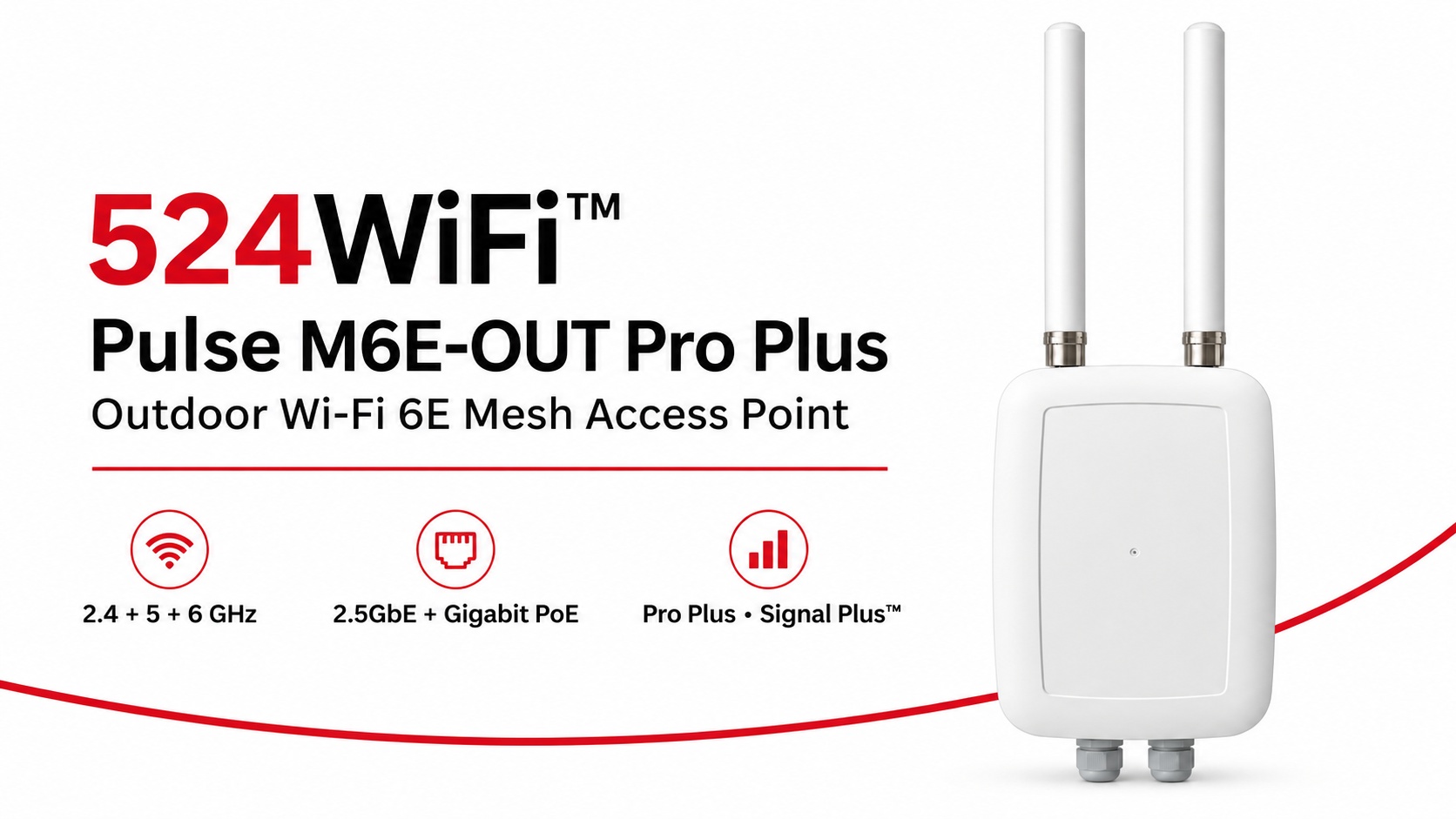
524WiFi™ Pulse M6E-OUT Pro Plus outdoor Wi-Fi 6E mesh access point

524WiFi™ Pulse M6E-OUT Pro Plus brings the radio platform, outdoor enclosure and model-specific antenna assembly together for a professionally planned Wi-Fi 6E mesh installation. Start with a complete fixed network node and build coverage and inter-node links around the working area.

Three radio bands for the complete site network

Independent 2.4, 5 and 6 GHz radios give the installation three concurrent 2×2 radio paths. The Qualcomm IPQ5018 platform combines a dual-core ARM Cortex-A53 processor at 1.0 GHz with 512 MB DDR3L. A 2.5GbE interface supports the wired uplink, while a Gigabit Ethernet interface with PoE provides practical network and power integration.

The published theoretical PHY rates are up to 573 Mb/s at 2.4 GHz and 2,402 Mb/s each at 5 and 6 GHz. Channel widths reach 40 MHz at 2.4 GHz and 160 MHz on the two higher bands. Choose channels and radio roles around client traffic, the mesh topology and the operating country.

An antenna assembly matched to the outdoor node

The assembly combines two external 5 GHz omnidirectional antennas, two internal 2.4 GHz omnidirectional antennas and an internal directional 6 GHz panel serving the two 6 GHz RF paths. Aim the panel toward the intended link and keep its enclosure face clear of metalwork. This lets the installation use directional interconnection and local coverage deliberately.

Pro Plus and Signal Plus™ for deployment

Pro Plus combines our tuned product configuration, model-specific firmware selection and integration support. Signal Plus™ brings antenna placement, polarization, feed losses, radio roles and channel planning into the same RF system. Commission the complete node under the traffic and RF conditions of the actual site.

Fixed mesh nodes and moving clients

Use the M6E-OUT as a fixed outdoor infrastructure node. Pair it with Pulse M6E-IN for indoor infrastructure and Pulse R6-D2-IN or R6-T3-IN roaming clients on moving Ethernet-equipped machinery. Plan compatible firmware, authentication and RF overlap across the route. Mesh interconnection and moving-client roaming serve complementary roles in the complete network.

Explore the 524WiFi™ Pulse M6E-OUT Pro Plus specification and order configuration, or compare the Pulse product family.

Platform reference: DRWave-1000 / DR5018S.

Posted on

Tuning TDMA Scheduling for a Multi-Station PtMP Deployment: A Field Case

A recent PtMP deployment we worked on had a familiar problem: the hardware checked every box on paper — right frequency band, right range, right radio — but once more than a handful of remote stations came online, performance got uneven. Some stations ran fine. Others lagged, dropped packets under load, or just underperformed relative to what the spec sheet promised.

The instinct in situations like this is usually to blame the radio hardware. In our experience, the actual bottleneck is almost always the scheduling layer — how airtime gets allocated across stations, not the raw RF performance.

Article content

What we found

Standard TDMA firmware implementations often use static or near-static slot allocation — every remote station gets a roughly equal time slice, regardless of what that station actually needs or how far it is from the base station. That works fine at low station counts. It breaks down as deployments scale, because distance, interference, and per-station data demand aren’t equal across a real network — a fixed schedule fights the physical reality it’s trying to serve.

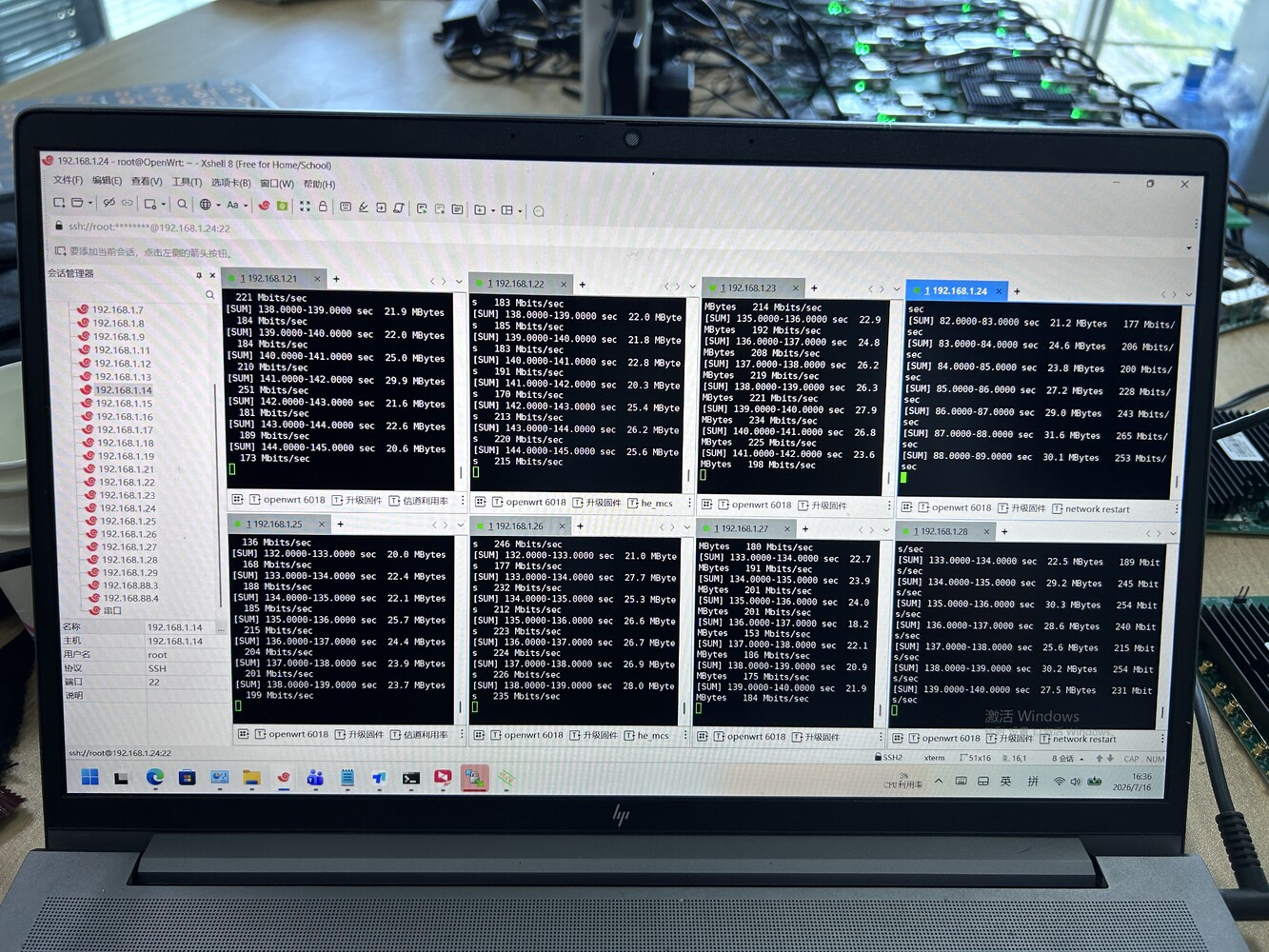
We rebuilt the scheduling logic on the firmware side to allocate airtime dynamically — closer to a priority/demand-weighted model than a fixed round-robin — and re-ran the same deployment topology: 8 remote stations, one base station, downlink test, same OpenWrt-based platform.

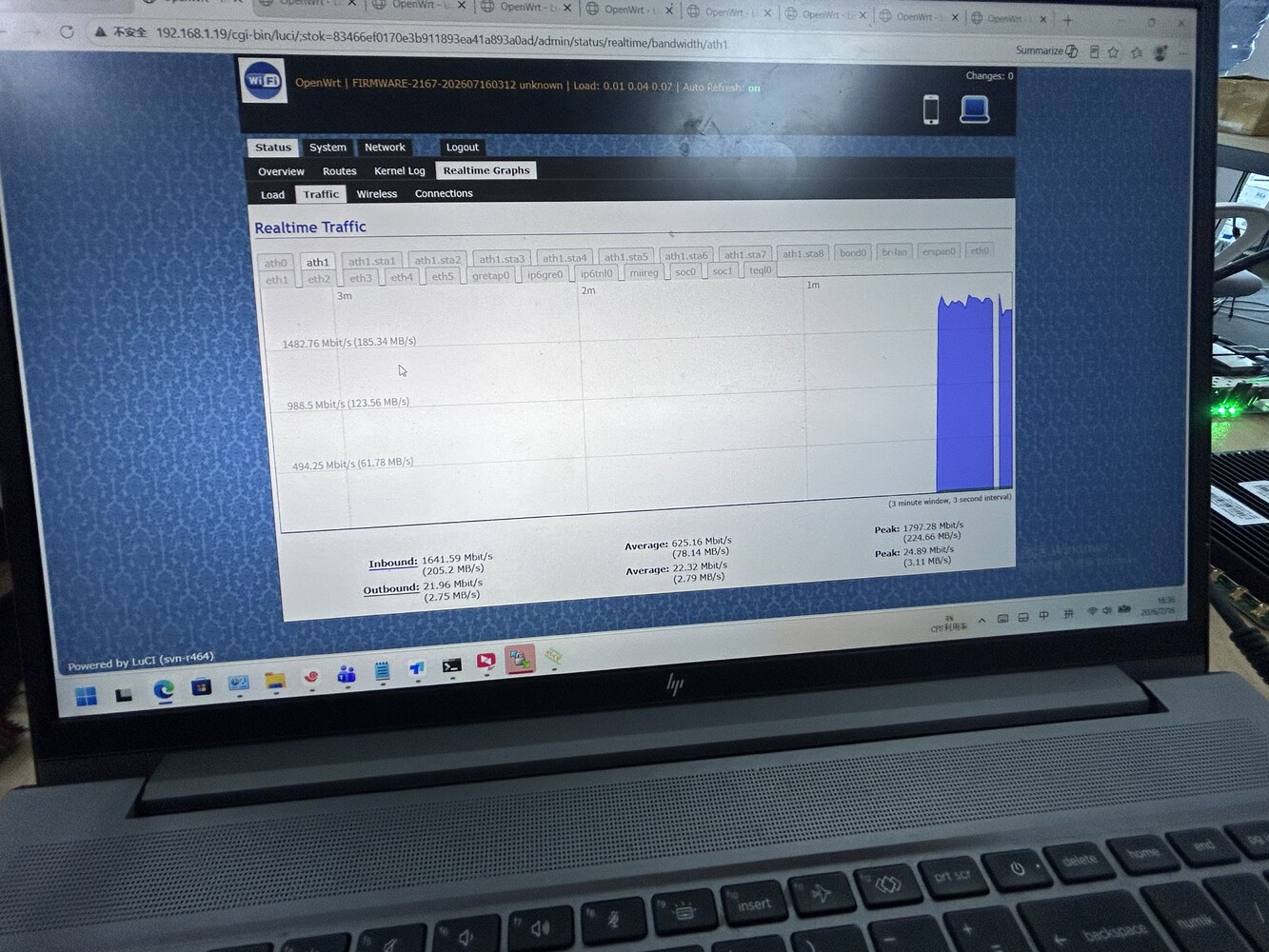
Result: per-station throughput of 130–265 Mbit/s, aggregate peak of 1,797.28 Mbit/s, aggregate average of 625.16 Mbit/s — with the spread between best- and worst-performing stations narrowing noticeably compared to the default static-scheduling baseline.

Article content

Why this matters beyond one deployment

The hardware didn’t change. The module, the antenna, the base station — none of it changed. What changed was the software layer managing how that hardware gets used across multiple simultaneous stations. That’s usually the part vendors don’t customize, because it means going deeper than swapping a chipset or bumping a spec sheet number.

This is also where we think there’s room for more collaboration than the industry typically does. A lot of teams building PtMP or multi-node wireless products — robotics, drones, distributed sensor networks — have strong hardware instincts but limited bandwidth to go deep on scheduling firmware, OpenWrt customization, or protocol-level tuning. That’s specifically the kind of work we do on the software side, independent of whether the hardware itself comes from us.

If your team has a multi-station deployment that’s hitting a similar wall — good radios, uneven real-world performance — we’re happy to compare notes, or scope what a scheduling-level fix would look like for your specific topology.

Posted on

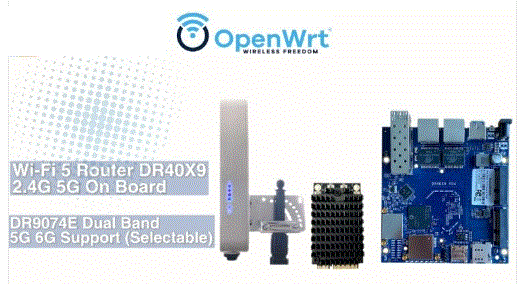
Explore the DR40x9 for your 11ac PTP PTMP hardware solution needs!

Key Features:
Long-range 20km transfer capability 🌐
Industrial-grade solution ⚙️
Dualband support: 2.4G/5G 📡
OpenWRT compatibility 🧩
High compatibility with DR9074/DR7915/DR882 🤝

FCC certified

Additionally, Wallys R&D team supports hardware customization and software feature development services! 🛠️ Feel free to inquire and explore more about our collaborative solutions!