

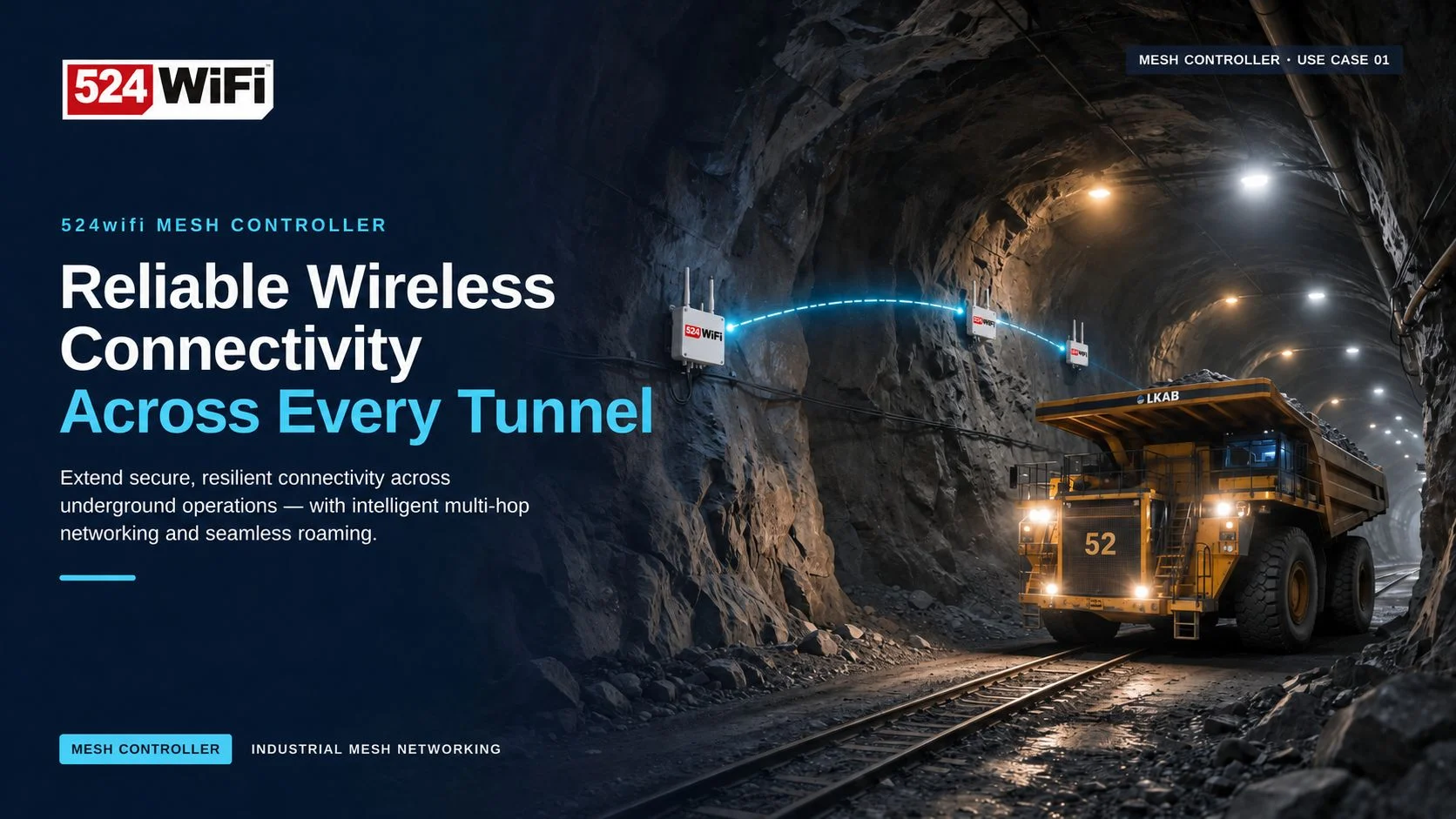
Wireless Networking for Mine Tunnels and Underground Roadways: Multi-Hop Without the Speed Drop, and Faulty Nodes Located at a Glance
QCA IPQ50180 DR5018S Mesh + Mesh Controller for underground deployments

A Long, Narrow Space Is Hard on Networks
Mine roadways and tunnels share one trait: the space is long and narrow, like a pipe. Wireless nodes can only be placed one after another along the line, so data has to travel hop by hop. Vehicles, personnel and equipment keep moving along the same line.
The usual approaches are a fiber ring with industrial switches and APs, leaky feeder cable, or traditional industrial wireless mesh. In day-to-day operation, each of them runs into the same pain points:
- Every advance of the working face means moving the network. Fiber has to be re-laid and APs re-installed, which adds up to a real maintenance cost each time.
- Speed drops noticeably after several hops. With traditional mesh, throughput declines as hops accumulate, and the far end often has only enough bandwidth for the most basic data.
- A failed node is hard to locate. Devices are spread across the underground, so troubleshooting means logging into them one by one, sometimes sending people down the mine, which costs time and adds safety risk.
The 524WiFi Approach: Keep Bandwidth Over Many Hops, Self-Organize, Manage Centrally
The solution has two parts: DR5018S Mesh wireless nodes and the Mesh Controller management software.
1. Bandwidth that holds up across many hops
DR5018S Mesh is built on the Qualcomm IPQ5018 platform with Wi-Fi 6. Nodes self-organize into a mesh network, are plug-and-play, and need no AP/STA pairing for long-range links.
We have test data to back this up: a 10-hop mesh sustaining 400 Mbps. This is a measured result, not a verbal promise.
For band selection underground, we recommend using 2.4 GHz as the mesh link in mining scenarios for better penetration. When a 5 GHz interface is also present, it can serve as an AP for debugging and configuration.
Reference data: on a 3-node, 2-hop topology, a 10-stream iperf3 test gave an aggregate rate of about 624–634 Mbps. In an outdoor test with 4 nodes and 3 hops, the average single-hop distance was about 200 m. These are test references under specific conditions. Actual performance depends on antennas, mounting height, obstructions, interference, and local limits on channels and transmit power, so a site survey is required before engineering deployment.

2. Add, remove or move nodes, and the network re-forms itself
When the working face advances, you simply move the nodes forward and power them on. The mesh joins them automatically and re-selects paths, so there is no need to re-plan the whole network. After nodes are added, removed or relocated, the network heals itself without per-device reconfiguration.
3. Mesh Controller: see every node without going underground
With nodes scattered underground, what really consumes time is troubleshooting. The Mesh Controller moves that work to the surface:
- Batch scan, configure and manage nodes, with one-click firmware upgrade instead of logging into each device.
- Real-time node online status and link quality, with the current backhaul path displayed and automatic switching to a better link when one degrades.
- Automatic best-path selection between two nodes, based on packet loss, signal and latency tests, plus custom path assignment (for example A-C-D-B).
- Batch view of mesh link data, useful for acceptance records and long-term comparison.
- Remote diagnosis: when a node has a problem, locate it from the surface first, then decide whether anyone needs to go down.


When something goes wrong, maintenance staff on the surface can see which hop and which node is affected, and what state it is in, instead of testing devices one by one underground.
4. Moving equipment that needs seamless roaming: pair with the DR5018S-R roaming version
If the site has many mobile devices (mine vehicles, inspection robots, personnel terminals) that must stay connected without interruption while moving along the line, pair the system with the DR5018S-R roaming version.

Deployment Tips
- Plan management addresses before enabling mesh. Give each device its own static management IP, confirm the LAN bridge contains bat0 and eth0, and keep only one DHCP server in the same Layer 2 broadcast domain.
- Verify segment by segment. For each wireless link, the channel, bandwidth, security settings and Mesh Network must match at both ends. Verify the first hop, then extend hop by hop, so faults are easier to isolate.
- Follow local regulations. Available channels, bandwidth, transmit power and country code must comply with the rules at the installation site.
- Keep acceptance records. Record neighbor status, Ping latency and packet loss, iperf3 results and site conditions (distance, obstructions, antenna direction, channel, power) for later reproduction and optimization.
At a Glance

Want to Know More?
If you are covering a mine, tunnel, underground roadway or another long linear space with wireless, get in touch and we can discuss your specific scenario. To request the detailed Mesh Controller user manual, email to info at 524wifi.net